
Making Monitor stick: lessons from Ballina and Marion
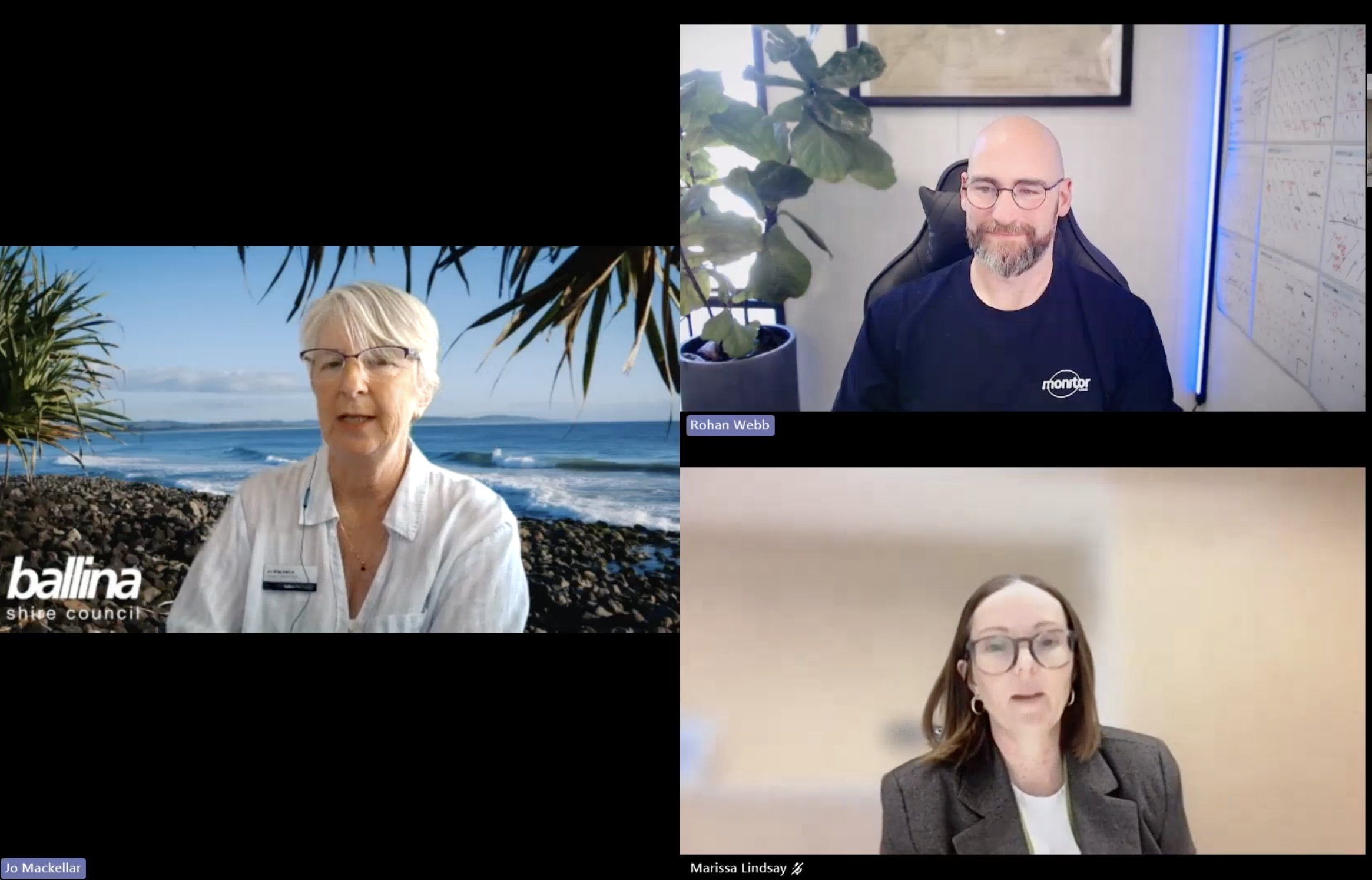
Clean data, clear processes and a weekly habit. These are what make a new system stick, say two councils who are 12 months into Monitor.
Two councils, 12 months in
Every new system asks a team to change how it works. So for our September Community of Practice, we did not present. We asked two councils who have done the work to tell us what it was really like.
Jo Mackellar, Industry Liaison Officer at Ballina Shire Council, and Marissa Lindsay, Business Engagement and Growth Coordinator at the City of Marion, spoke with Rohan Webb about their first year with Monitor. Daley Thompson ran the Q&A. Marissa led the rollout at Marion from day one. Jo joined Ballina soon after go-live, so she saw the rollout from a different angle.
Where they started: the spreadsheet quagmire
Both councils began in a familiar place. At Marion, there were many Excel spreadsheets that nobody maintained, and each new project started a new one. "We didn't really know who was who in the zoo," Marissa said. The team could see its business community through ABR data in REMPLAN, but it did not track engagements. Its newsletter went to 8,000 Campaign Monitor subscribers, but the team knew only their email addresses.
Ballina had its own "spreadsheet quagmire". Events, accommodation and tours each had a spreadsheet with different columns, which made them hard to merge. Getting the data into Mailchimp, or into a Word mail merge, was a struggle too.
The triggers were different. Marion was part of a council-wide digital transformation and first tried to build an economic development solution in Salesforce. It did not work, and the team needed a tool made for economic development. At Ballina, the destination team took on the economic development function. It needed one system that could hold tourism and non-tourism businesses together, but still let the team target each group separately.
Nine lessons from the first year
1. Get your data ready before go-live
Both guests said this first. Marion's procurement took almost two years, but the last step was rushed, and the team gave us only about half of its data to import. "Uploading the data isn't necessarily difficult, but it is time consuming and gets pushed down the list," Marissa said. Twelve months later, she is still loading spreadsheets from past programs. Look past your own team, too. Environmental health, permits and development teams all deal with businesses every day. Marion imported its environmental health database only last month.
Jo's advice is to clean the data before it goes in. Small errors, such as first and last names in one field, cause problems later. Rohan added that a database should be valuable, not complete. That is why we filter ABR data: thousands of non-GST sole traders can fill your database with noise.
2. Begin with the end in mind
"We had the idea that Monitor was going to be the solution to all our problems," Marissa said. But the team had not thought about how Monitor would fit into its existing processes. For example, it planned to send the new newsletter to its 8,000 subscribers without first asking who they were, or whether it wanted to talk to them.
Jo put it simply: decide what you will use the system for, then design your data for that use. As Rohan said, software is a set of workflows. Expect to change some of your old ways of working to get the results you want.
3. Give each person a clear role
Ballina's team of five includes part-time and casual staff and people back from leave. So the team decided who does what. Some people create records, some log engagements, and some only search. "Search, do not touch," Jo said. This keeps data quality high and means casual staff learn only the functions they need. Larger councils with 10 to 15 staff use the same approach.
4. Agree a minimum for engagement records
At the start, Marion's team sat down and agreed on the minimum information for each engagement. Some people still enter more than others, and that is fine. "Having an agreed minimum is a great recommendation from me," Marissa said.
5. Learn in small steps
Both guests liked that they could watch the training videos again when it suited them. Jo watched a section, fixed something, then came back for the next part. Marissa, a handson learner, learned most by trying things. Marion also added modules one at a time: first the base system, then secure forms, then the newsletter module. "It hasn't been a lot all at once," she said.
6. Plan for weekly maintenance
"It's not something that you set and forget," Jo said. Nine months in, Ballina still finds contacts that are not linked to a business. And businesses change hands all the time. Rohan's advice: do a short piece of maintenance every week, and log engagements as they happen. If you let updates pile up, a few minutes of work becomes days.
7. Turn on the Outlook plugin early
Both guests named the Outlook plugin as a highlight. "The Outlook plugin has made life immensely easier," Marissa said. It lets you log engagements and add new businesses while you write an email. Marion's IT team had cyber security questions at first. Rohan's
tip: if IT pushes back, ask a second time. The plugin is safe and secure. Jo said Ballina was slow to start with it, and wishes it had started sooner.
8. Use tags for campaigns
Jo expected tags to be hard, but they became one of her favourite features. For a spring promotion, you can create a "spring" tag, attach it to the right businesses, and remove it a month later.
9. Measure how the system is used
Ballina already tracked visitor engagements at its visitor centre. Now it also reports business engagements to council each month, broken down by sector and team member. (Jo's colleague Tegan is currently in front.) Marion relies on gut feel for now. But our benchmark in July showed the team ranks highly for logged engagements across Monitor councils. We now give each council an insight report on its previous 12 months, with benchmarks against other councils.
From the Q&A
What processes help the system work?
Marissa said Marion now sends targeted emails to industry sectors, not one email to everyone. For Business Showcase Week in June, the team sent an NDIS workshop invitation only to health and social services businesses. The response was large, and unlike some events, everyone showed up.
Get your message right before you contact new businesses. At Ballina, the team has a clear process for what data to collect when a new business comes to its attention, so records are complete from the start.
How do you manage tags as the team grows?
Daley's tip was to set up a tag taxonomy.
Tags are powerful, but in a large team they "can be a runaway train". Use colour codes and naming conventions, and review your tags regularly to archive short-term ones
Where do you find updates each week?
At Ballina, the team member who writes social media content finds new events and businesses as part of her work, and passes them on.
Jo also reads other organisations' newsletters, such as Business NSW, for news. Marissa, Marion's "chief Monitor liaison", sets time aside each week to remove duplicate records.
She also adds new businesses she sees on her drive to work. Her next challenge is a workflow to turn businesses in the database into active members of the business community.
Do you log every engagement, or only important ones?
Both councils "top and tail" a conversation. They log the first email and the final email, but not every reply in between. The exception: when a new contact joins the conversation, add them.
Starting your rollout? Do these first
1. Find all your business data, including data held by other council teams, and clean it
before import.
2. Decide what you will use Monitor for, and map how it fits your current processes.
3. Agree who does what, and the minimum detail for each engagement record.
4. Set up the Outlook plugin early.
5. Book a short block of time each week for data maintenance.
6. Talk to a council that already uses Monitor.
On that last point, Marissa recently showed the team at Mount Barker how Marion uses
Monitor. "Tap them on the shoulder and ask for a demonstration," she said. "You want to
see someone who is using it day to day." Jo and Marissa both offered to talk with councils
that are starting out. Contact us and we will put you in touch.
Watch the recording
The full recording is on our Documents page, with all past Community of Practice sessions.
If you have a topic idea or a case study for a future session, Contact Us